Start here
What do you need to place?
Choose the planning question that matches what you know.

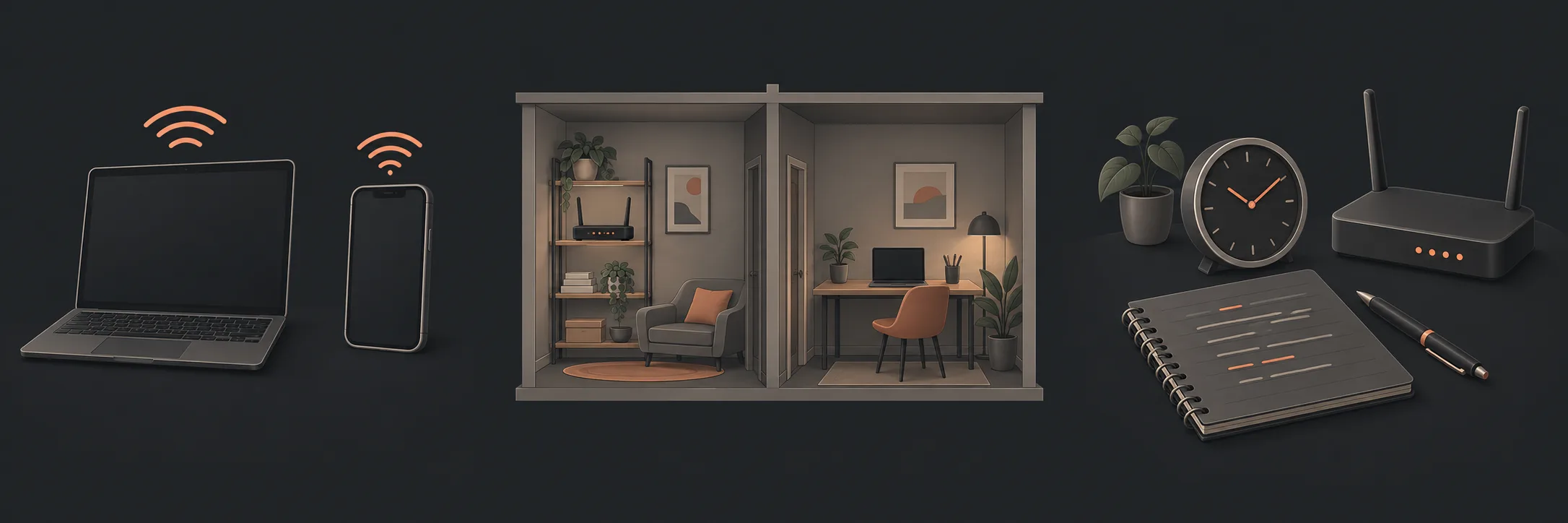
A mesh system uses coordinated nodes, but each node still needs a useful location and a connection back to the rest of the network. More nodes do not automatically mean better speed or fewer dropouts.
Map the useful locations
Record the main router, the rooms and floors that need coverage, thick walls or other construction between them, and the devices and tasks that matter. Include the room where the connection is already useful so it can be compared with the difficult area.
| Record | Question |
|---|---|
| Room and floor | Where is the device used, and where is the main router? |
| Construction | Are walls, floors or other barriers between the locations? |
| Device and task | What device and ordinary activity showed the difference? |
Plan the node connection
A secondary node needs a path back to the main network. Wired backhaul uses an existing suitable network connection. Wireless backhaul uses Wi-Fi between nodes. The two arrangements have different constraints, and the equipment documentation determines what combinations are supported.
A wireless node placed at the edge of a weak area may have the same difficulty as the device it is meant to help. Plan a location where the node can both reach the area of interest and maintain a useful connection back to the main node. Do not assume that products from different systems will coordinate because both use the word “mesh”.
For a manufacturer example, Google’s Wi-Fi placement guidance explains why points need a strong connection to one another, while its wired-backhaul and compatibility guidance distinguishes models with Ethernet ports from wireless-only points. These examples are not a product recommendation; use the instructions for your exact equipment.
Check one change at a time
Before changing equipment, note the device, room, task, time and connection type. After a change, repeat the same task in the same place where practical. A different result is an observation, not proof that one component caused the original problem.
For repeated dropouts or uncertain symptoms, use the Wi-Fi dropout diagnosis guide. It remains the diagnostic owner; this satellite is about placement planning.
What to do next
If the layout question is still unclear, return to the mesh Wi-Fi, access point or router-position guide. If you need to take control of a new system after installation, use checking and taking ownership of a new home Wi-Fi setup for the handover.
What to read next
If you’d rather have local help, see our The Full Strip whole-home Mesh Wi-Fi.