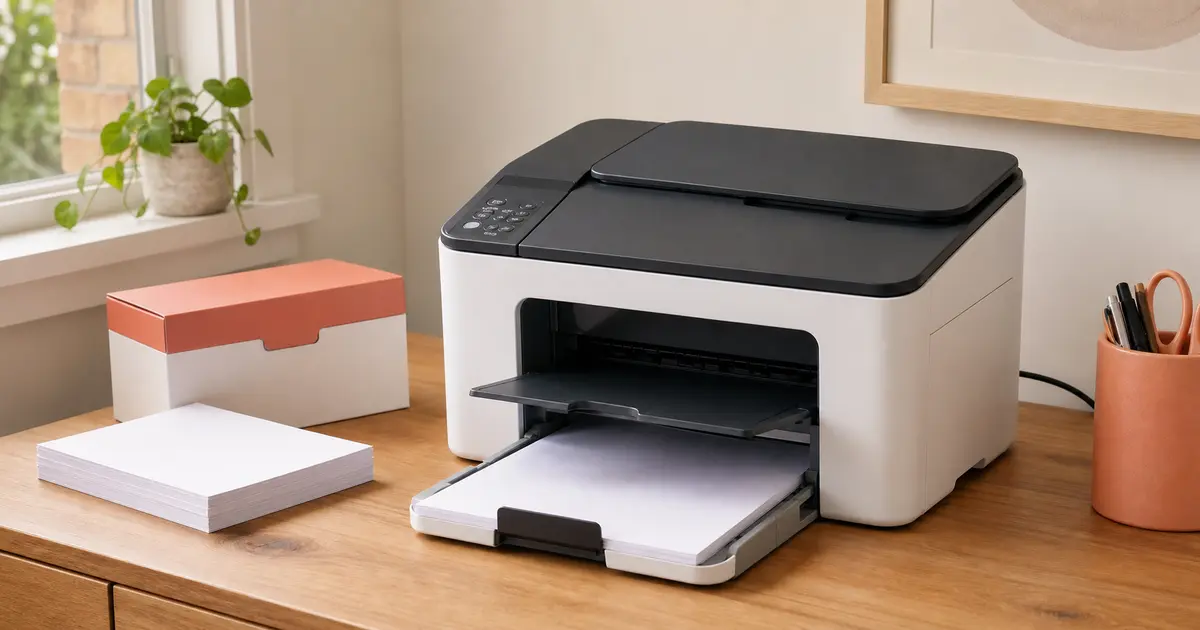
New printer? Get it connected, tested and ready to use.
Peter sets up one new household printer with one primary supported computer or mobile device, tests everyday printing and scanning, and explains how to use it before he leaves.
→Manufacturer-account recovery, subscription management, warranty handling or disposal
Unboxed and set up at home
Ready for the way you actually print.
The printer, connection and primary device are configured together, followed by a print test and a basic scan test where the equipment supports it.
What is included
Included in the $250 setup.
Unboxing and ordinary assembly
The visit covers removing transport packaging, completing ordinary manufacturer assembly and placing the packaging in your onsite recycling area.
Supplied consumables and paper
Customer-supplied cartridges or toner are installed and the paper trays are loaded according to the manufacturer instructions.
Wi-Fi or USB connection
One connection is configured using your existing working household Wi-Fi or a customer-supplied compatible USB cable.
One primary supported device
Current manufacturer-supported software, app or drivers are configured on one agreed computer or mobile device.
Safe updates and testing
An appropriate firmware update may be completed, followed by one test print and a basic scan test for a multifunction printer.
Practical handover
The visit ends with a practical explanation of everyday printing, scanning and ordinary consumable replacement.
How it works
A quick check, then one onsite setup.
1
Talk it through with Peter
Call or send a quick enquiry. You will receive a response within one business day, and the model, device, connection, account and placement details will be recorded with you.
2
Set up the printer onsite
The printer and supplied essentials are checked before the agreed assembly, connection, software and testing work begins. The visit allows up to 90 minutes onsite, and you enter your own passwords and verification codes.
3
Test or identify the blocker
The completed setup is demonstrated, or anything preventing completion is recorded. Work beyond the fixed scope pauses for a separate quote or referral; there is no automatic hourly overrun.
Before you enquire
The important questions, answered.
What does the $250 price include?+
The GST-inclusive price covers local Ivanhoe or Eaglemont call-out and up to 90 minutes onsite for the approved standard setup. It includes one new household printer, one supported primary device, one Wi-Fi or USB connection, supported software, testing and handover. Hardware, consumables, subscriptions and expanded or return work are additional.
Which printers and devices are supported?+
The exact printer model, primary device and available manufacturer software are confirmed before booking. Large office multifunction devices, specialist printers, print servers, managed work devices, Linux, ChromeOS, obsolete systems and equipment without current manufacturer support are not promised under the standard offer.
Will Peter need my passwords or create a manufacturer account?+
You enter all device passwords, email credentials and verification codes yourself; Naked Tech does not record or retain them. The visit can include ordinary creation or configuration of one manufacturer account when genuinely required, while you review the terms and optional data choices. Lost-password and provider-controlled recovery are excluded, and paid subscriptions remain declined unless you independently choose them.
What if the printer cannot be completed during the visit?+
You receive an explanation of the blocker and practical next step. Defective hardware, missing items, account access, provider outages, unsupported devices and wider network faults are outside the promised outcome. Any return visit is separately scoped. Enquiries are answered within one business day and appointments are Monday to Friday, 9:00 am to 5:00 pm, subject to availability; same-day, after-hours, weekend, emergency and remote-control support are not offered.
Prefer to write?
Tell Peter about your new printer.
Include the printer make and exact model, your primary device and whether you prefer Wi-Fi or USB. A short message is enough; you will receive a call or reply within one business day, and the suitability check will be completed with you. Do not send passwords or authentication codes.
Before you send · Privacy and form details
Naked Tech (Peter Reginald, ABN 57 221 340 918) collects the information you enter to assess and respond to your enquiry and, if appropriate, arrange the requested service. Fields marked with an asterisk are required to submit the form; other fields are optional. If you do not provide the required information, we cannot receive or respond to the enquiry.
The form is delivered through Digital Sanctum’s Sanctum Forms system. As you type, unfinished answers are saved in this browser’s local storage until you submit the form or clear that site’s stored data. The page path, relevant service category and a random session correlation code are attached to operate and trace the enquiry; referrer and campaign parameters are attached only with Analytics enabled, and advertising click identifiers only with Advertising enabled. An enquiry is not a marketing signup. See the Privacy Policy for retention, disclosures, overseas processing, access, correction and complaints.
To prevent automated misuse, the form uses short-lived keyed security signals and may ask Cloudflare Turnstile to verify that the submission comes from a person. Turnstile does not receive the words or contact details you enter. This necessary security check is separate from optional Analytics and Advertising choices.
Your tracking choices
We use optional analytics to understand how the site is used and optional advertising tracking to measure campaigns. Neither loads unless you choose it. Read our privacy policy.
Privacy controls
Tracking preferences
Optional tracking is off unless you select it. If you turn off a category that is already active, this page will reload to apply your choice.