The connection feels fine at the kitchen table but unreliable in the study. Is the internet plan too slow, or is the difficulty getting a useful connection to that room? Before changing a plan or buying equipment, make a small map of the experience.
Start here
Compare the experience, one room at a time
Keep the device and task consistent while you change location.
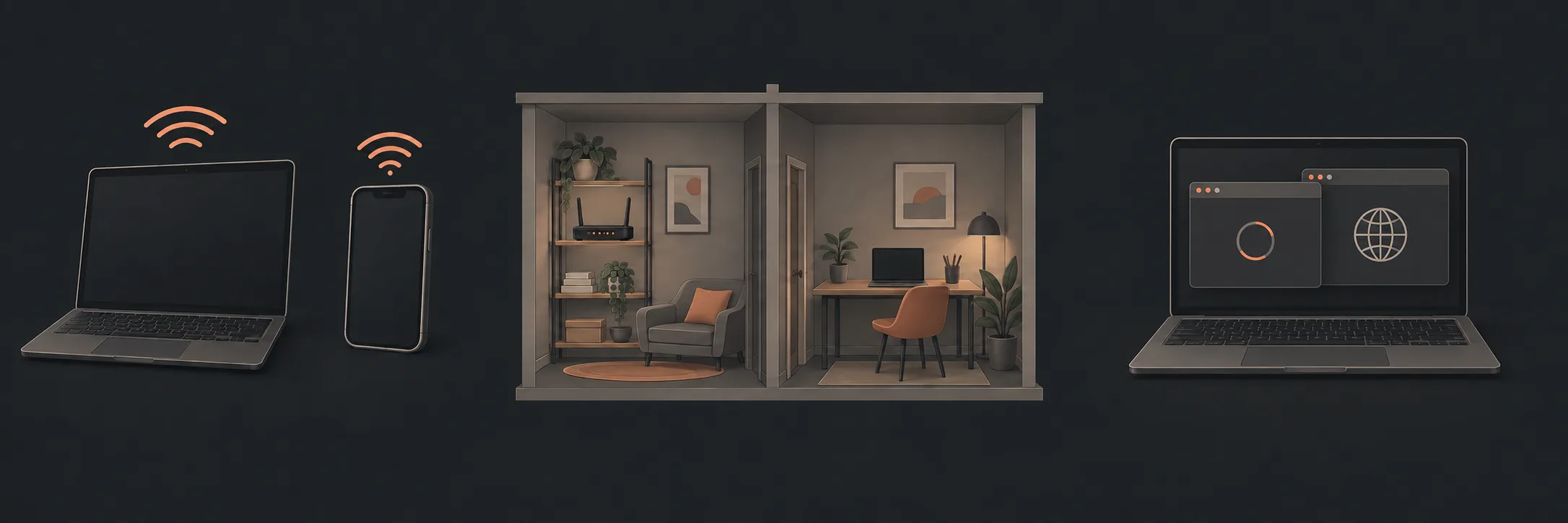
Start with a room map
Draw your home's rooms on paper. Mark the router's location and the places where you normally work, stream or make calls. You do not need measurements or a professional floor plan. Use labels such as “study desk” rather than an address if you share the notes.
Beside each location, record one ordinary task and what happened. Keep the device and task the same for the first comparison. This is a record of your experience, not a signal survey.
| Location | Device and task | Observation |
|---|---|---|
| Beside the router | Same laptop, same familiar website | Worked, slow, failed, or not checked |
| Usual problem spot | Same laptop and task | What changed? |
| Another useful room | Same laptop and task | Was the result repeatable? |
Add a comparable measurement
nbn describes comparing speed tests beside the router, in other rooms and over Ethernet to the router where practical. It also identifies walls and other obstructions as possible influences on coverage. See nbn's comparison guidance.
Choose the next question
Ask: “What would you check to distinguish the incoming service from the connection inside the house?” Bring the map rather than asking for a particular booster. If a provider investigates the service, keep its reference and findings so you do not lose that part of the history.
Do not compare a phone on mobile data with a laptop on home Wi-Fi and treat that as the same test. Our one-device or all-devices guide explains a fair comparison.
Keep the useful result
What to read next
If you’d rather have local help, see our Wi-Fi dropout diagnosis.