A speed-test result is most useful when you know how it was collected. Before comparing numbers or changing your internet plan, record the device, connection and task you were trying to understand.
Start here
Keep three conditions clear
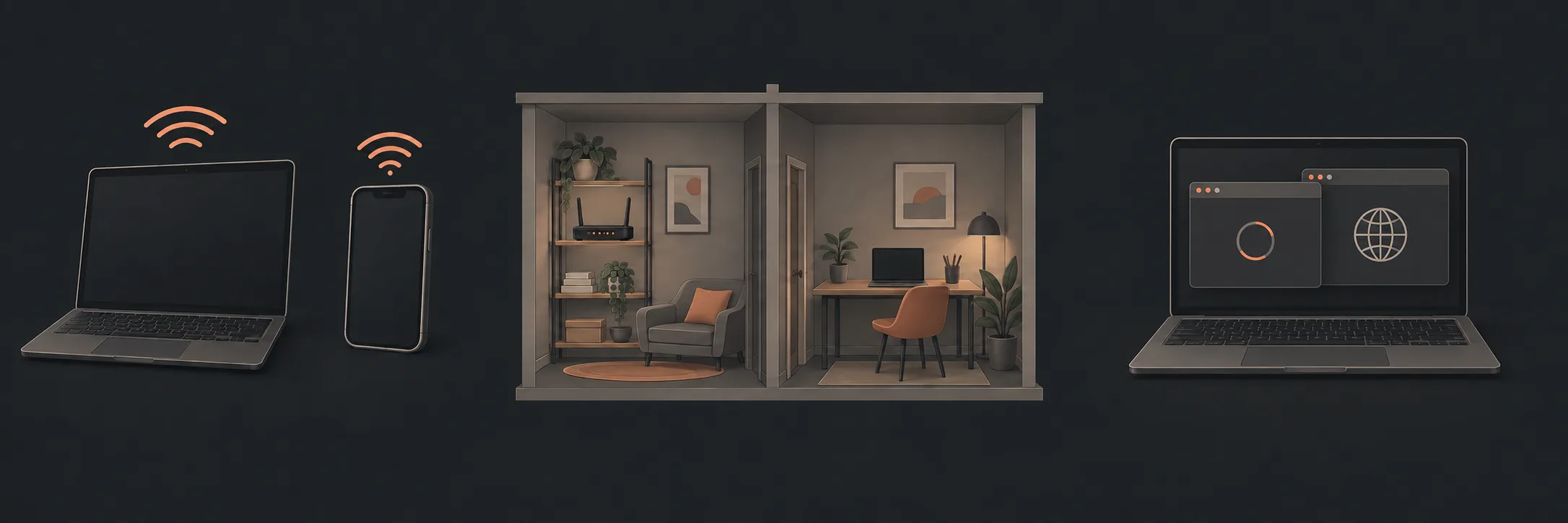
Use the same device and test, and note what changes between locations.
Choose a test and a quiet moment
If your internet provider has asked you to use a particular test, follow its instructions and keep that test's name with the result. Another public option is Cloudflare Speed Test, which Cloudflare lists as a tool for measuring an internet connection. See Cloudflare's explanation.
Keep the comparison repeatable
- Record the device, room, time and whether it is using home Wi-Fi or Ethernet.
- Open the chosen test's official page and follow its displayed controls. Let the test finish before copying its result.
- Keep the names and units with the values. Note anything unusual about the conditions.
- For another comparison, use the same device and test. Change one condition, such as the room, and record the change.
- Close the test page when finished. You do not need to install a booster, change the router or sign up for a new plan to retain the results.
nbn describes comparing near-router, other-room and practical wired results. Read its guidance. Skip wired testing if you are unsure about the equipment; do not move unfamiliar nbn cabling for this exercise.
Read the labels, not just the largest number
Cloudflare distinguishes throughput, latency, jitter and packet loss in its connection measurements. Its connection-quality glossary explains the measurement context.
| Label | Plain-English question |
|---|---|
| Download | How quickly did data reach this device during the test? |
| Upload | How quickly did the test send data from this device? |
| Latency | How long did the measured round trip take? |
| Jitter | How much did that timing vary? |
| Packet loss | Was some tested traffic not received? |
Decide what to ask next
Write: “Using [test] on [device], in [room], at [time], I recorded [label, value and units]. The problem I was investigating was [symptom].” An unexplained result is a useful question for the provider or technician; it is not proof that you need new hardware.
Use our coverage worksheet for location comparisons or dropout diary for intermittent trouble. The Wi-Fi pillar covers the wider diagnostic picture.
What to read next
If you’d rather have local help, see our Wi-Fi dropout diagnosis.