Start here
What question are you actually trying to answer?
Choose the comparison that matches the household’s uncertainty.
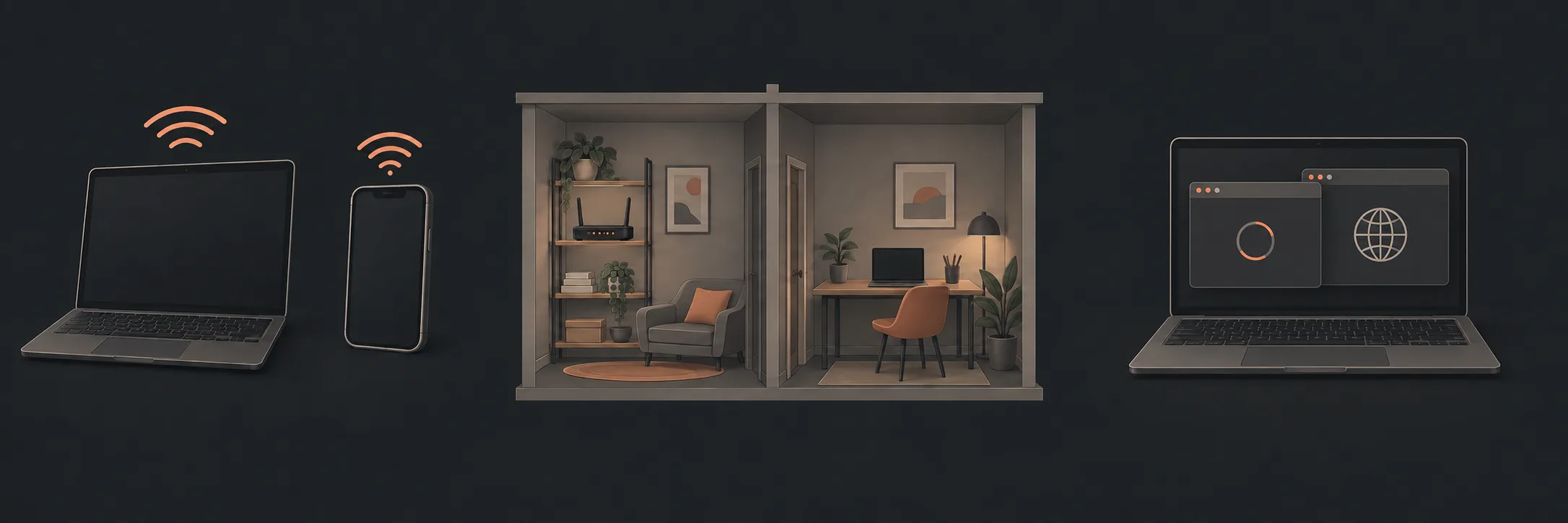 Check the shape of the problemRecord rooms, floors, devices and tasks before choosing equipment.Read this part
Compare the connection optionsUnderstand what a router position, access point and mesh system can change.Read this part
Check the shape of the problemRecord rooms, floors, devices and tasks before choosing equipment.Read this part
Compare the connection optionsUnderstand what a router position, access point and mesh system can change.Read this part
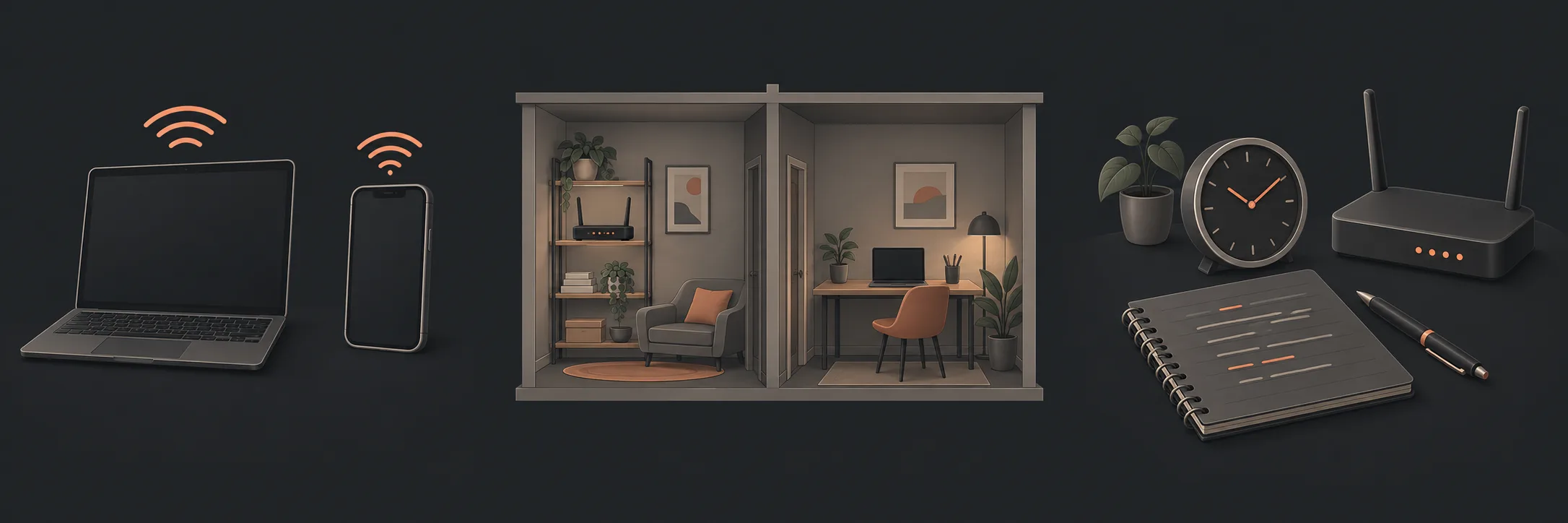 Plan ownership before setupKeep administrator access, updates and recovery in the household’s control.Read this part
When Wi-Fi is unreliable in one room, “buy a mesh system” is only one possible answer. A better router position, another access point, or a device-specific issue may be the more relevant question. Mesh does not automatically fix slow internet, and this guide does not diagnose dropouts or promise a faster service.
Map the home, not the product box
Write down the rooms and floors where Wi-Fi is used, the location of the internet connection and router, thick walls or other construction that may affect signals, the devices involved, and the tasks that matter. Note any device that must remain wired.
A television behind several walls may struggle while a phone in the hallway works. That observation identifies a location and task worth checking; it does not prove that mesh is required. If the issue affects wired and wireless devices or every room, changing Wi-Fi coverage may not address it.
Compare the three paths
| Option | May help with | Does not automatically establish |
|---|---|---|
| Better router position | A router enclosed, low or poorly positioned | That the internet service is slow or every dead spot is solved |
| Another access point | A defined area needing another Wi-Fi source | That its connection back to the router is strong |
| Mesh Wi-Fi | Coordinated coverage across several areas | That extra nodes improve speed or fix dropouts |
A better position may suit a nearby affected room. An access point may suit a defined area with a suitable connection path. Mesh may suit several areas where coordinated management is useful. None is a recommendation for a particular brand or product.
Check the node connection, not just the room it reaches
A secondary node needs a useful connection back to the rest of the network. Wired backhaul can provide a more predictable path where a suitable connection already exists. Wireless backhaul avoids a cable path but still needs a useful wireless connection to the main node; placing a node at the edge of a weak area may reproduce the same difficulty.
Check the equipment’s current documentation for supported backhaul arrangements, compatibility, placement guidance, update and recovery behaviour, and what happens if the main node is unavailable. Do not assume that two products using the word “mesh” will work together.
Google’s router and point placement guidance illustrates these placement constraints. Its Ethernet-backhaul compatibility table also shows that even one manufacturer’s mesh products do not all work together. Check equivalent documentation for your own models rather than treating these examples as a buying recommendation.
Plan administration before setup
Record who administers the network, which device is the main controller, how administrator access is recovered, who is responsible for updates, where the documentation is kept, and what happens if the administrator changes. Keep passwords and recovery codes in the household’s secure system, not in an article worksheet or shared message.
Keep a private record of model details, the date added, update responsibility, recovery information, important changes and what was checked afterward. If guest access is used, check the equipment documentation for its separation and retention behaviour rather than assuming every guest network works the same way.
What to do next
For repeated dropouts or uncertain symptoms, use the existing Wi-Fi dropout diagnosis guide. It remains the diagnostic owner for that symptom. Once a design is selected, use planning mesh placement and backhaul for the node path, then checking and taking ownership of a new home Wi-Fi setup for the household handover.
What to read next
If you’d rather have local help, see our The Full Strip whole-home Mesh Wi-Fi.