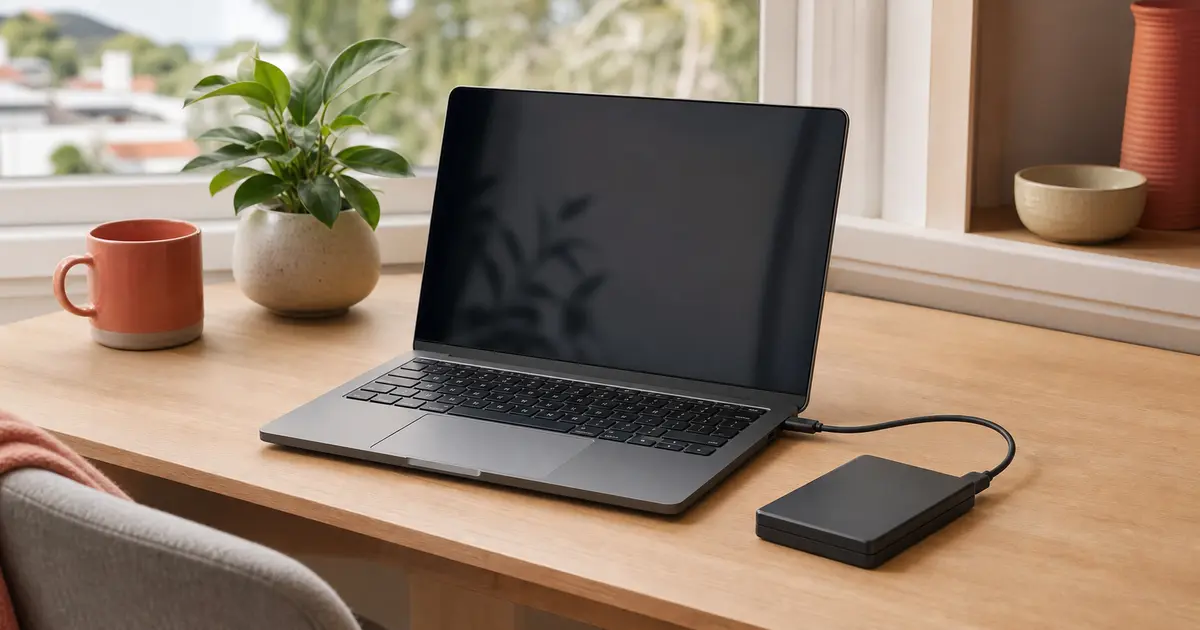
We configure one supported local or cloud backup for one working Windows or Mac computer, test a small sample restore and leave you with a routine you can understand and check.
One computer. One destination. One tested routine.
The standard visit is for a straightforward personal backup. Peter confirms the destination, available storage and account access before the appointment.
One working personal Windows or Mac computer and one user
One supported local external drive or one personal cloud destination
Existing files that remain readable on the computer
Sufficient internet access when a cloud destination is chosen
A small controlled backup and sample restore during the visit
Separate scope or specialist referral
→Deleted, missing or inaccessible files and failed-drive data recovery
→NAS, server, business, multi-computer or multi-destination designs
→Disk cloning, forensic recovery or repair of failing hardware
→Ongoing backup monitoring or managed disaster-recovery services
→Phone or tablet-only backups, provider-controlled account recovery or extra visits
Recovery readiness
A backup is useful only when you can check it.
The visit makes the destination, schedule, protected folders and restore steps visible, then records what still depends on storage, internet speed or a later full-backup completion.
What is included
Set up, test and hand over one clear backup.
Backup-needs review
We identify the important folders, approximate storage volume, current backup state and one practical destination.
One supported backup path
We configure one built-in or approved local or cloud method for one working Windows or Mac computer.
Automatic schedule
We enable an appropriate automatic routine and explain when the computer, drive or internet connection must be available.
Customer-controlled protection
Encryption is configured where supported, with passwords and recovery material created, entered and retained by you.
Small backup and sample restore
We use a controlled sample to validate that data can be written and restored without claiming that a large initial backup will finish during the visit.
Written checking routine
You receive what is protected, what is excluded, how to check success and what to do when the backup reports a problem.
How it works
From hoping to a routine you can check.
1
Choose what matters and where it goes
We review the files, available storage and whether one local drive or personal cloud destination is the sensible fit.
2
Configure and test one path
We set the supported schedule, run a small controlled backup and demonstrate a sample restore while you keep control of credentials and recovery material.
3
Start the full backup and hand it over
We start the initial run, show you how to confirm completion if it outlasts the visit and record the routine and any separately scoped follow-up.
Before we configure it
Backup questions, answered clearly.
What does the $250 visit include?+
The GST-inclusive price covers local call-out in Ivanhoe or Eaglemont and up to 90 minutes onsite for one working Windows or Mac computer, one user and one supported local or personal cloud destination, including configuration, an automatic schedule, a small controlled backup and sample restore, and a written checking routine.
Is an external drive or cloud subscription included?+
No. Required hardware and storage subscriptions are additional. If Naked Tech supplies suitable hardware, its cost is shown separately and is not marked up. You review and accept any cloud provider terms and ongoing fees.
Will the full first backup finish during the visit?+
Not always. Completion depends on the amount of data, drive speed, internet connection and provider. We validate the path with a controlled sample, start the full initial run and show you how to confirm completion. A return visit is separately scoped if needed.
Can you recover files I already deleted or lost?+
No. Backup setup protects readable data going forward. Deleted-file, failed-drive and inaccessible-media recovery are specialist referral matters, and using a failing device may make recovery harder.
Does this guarantee I can never lose data?+
No. A tested backup materially improves recovery readiness but cannot guarantee against every failure, theft, corruption, account problem or mistake. The written handover explains what the chosen method does and does not cover.
Will you need my cloud password or encryption key?+
You enter passwords and authentication codes yourself and retain all recovery material. Naked Tech does not record, photograph, copy, transmit or retain credentials or recovery keys.
Prefer to write?
Tell Peter what you want to protect.
Include the computer type, approximate data size, any drive or cloud service you already have and any error you can see. Do not send passwords, recovery keys or sensitive identifiers.
Before you send · Privacy and form details
Naked Tech (Peter Reginald, ABN 57 221 340 918) collects the information you enter to assess and respond to your enquiry and, if appropriate, arrange the requested service. Fields marked with an asterisk are required to submit the form; other fields are optional. If you do not provide the required information, we cannot receive or respond to the enquiry.
The form is delivered through Digital Sanctum’s Sanctum Forms system. As you type, unfinished answers are saved in this browser’s local storage until you submit the form or clear that site’s stored data. The page path, relevant service category and a random session correlation code are attached to operate and trace the enquiry; referrer and campaign parameters are attached only with Analytics enabled, and advertising click identifiers only with Advertising enabled. An enquiry is not a marketing signup. See the Privacy Policy for retention, disclosures, overseas processing, access, correction and complaints.
To prevent automated misuse, the form uses short-lived keyed security signals and may ask Cloudflare Turnstile to verify that the submission comes from a person. Turnstile does not receive the words or contact details you enter. This necessary security check is separate from optional Analytics and Advertising choices.
Your tracking choices
We use optional analytics to understand how the site is used and optional advertising tracking to measure campaigns. Neither loads unless you choose it. Read our privacy policy.
Privacy controls
Tracking preferences
Optional tracking is off unless you select it. If you turn off a category that is already active, this page will reload to apply your choice.