New computer setup & data transfer · Ivanhoe & Eaglemont
Your new Windows computer, set up without the guesswork.
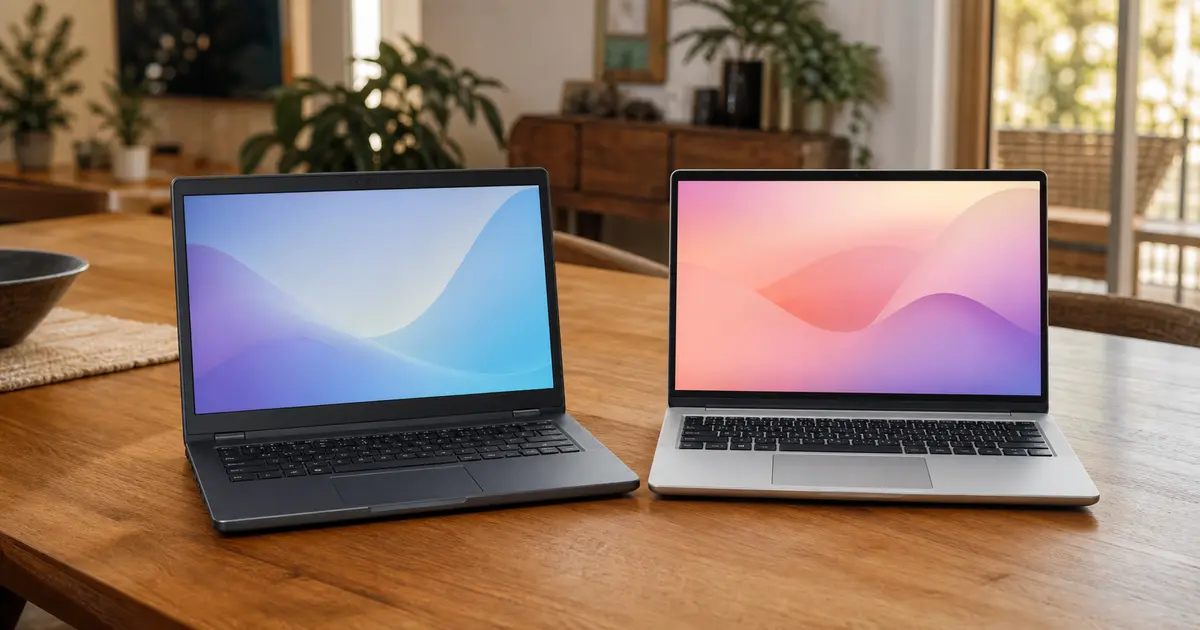
Peter sets up one new Windows 11 computer, moves the agreed files from one working Windows computer and reconnects the everyday essentials—with both devices staying in your home.
You do not need to work this out alone. Use these boundaries as a guide; a short suitability check confirms the details before an appointment is booked.
A good fit
One working old Windows computer moving to one new Windows 11 computer
One primary user and up to 250 GB of accessible personal files
A current usable backup before migration begins
One onsite appointment in Ivanhoe or Eaglemont, up to three hours
Needs a different scope
→Mac, Chromebook, mobile, cross-platform, multi-user or multi-device moves
→A computer that will not start, has inaccessible storage, unexpected encryption or suspected malware
→More than 250 GB, managed business devices, specialist databases or provider-controlled account recovery
→No usable backup, or a transfer likely to require more than one visit
Both computers stay in your home
Set up beside you, not taken away.
You stay involved while Peter works through the agreed setup, files and everyday connections in one guided onsite appointment.
What is included
Included in the $550 move.
Pre-transfer safety check
We verify basic source health, the usable backup, capacity and the agreed scope before copying.
Windows 11 setup
Initial setup, updates and standard security and privacy settings for one customer-controlled account.
Up to 250 GB of personal files
Agreed accessible files from one Windows user profile and its standard personal folders.
Browser and application setup
One supported browser plus up to five supported applications for which you hold valid licences.
Home connections
Connection to your existing Wi-Fi and one existing working printer.
Verification and handover
Representative-file checks, everyday-function checks and a plain-English written summary.
How it works
A short conversation, then a clear move.
1
Talk it through with Peter
Call now or send a quick enquiry. You will receive a response within one business day, complete the suitability check and confirm whether the fixed package fits before booking.
2
Confirm before copying
Onsite, the source, backup, capacity and agreed scope are rechecked. You unlock the devices and enter your own passwords and authentication codes.
3
Set up, transfer and hand over
The agreed move is completed, representative files are verified and the result is explained. Work outside scope pauses for a separate fixed quote—never an automatic hourly overrun.
Useful to know
The important questions, answered.
What does the $550 price include?+
The GST-inclusive price covers local Ivanhoe or Eaglemont call-out and the approved Standard Windows Move for up to three onsite hours. Hardware, storage media, licences and subscriptions are additional.
What should I have ready?+
Both computers, a usable backup, access to your accounts, your authentication device and valid licences for requested applications. You enter your own passwords and authentication codes; never send them through the enquiry form.
What if the move is larger or takes longer?+
A separate fixed quote is discussed before booking. Provider downloads, updates and cloud synchronisation are not guaranteed to finish during the visit and may continue afterwards; there is no automatic hourly overrun.
What is outside the standard package?+
Data recovery, malware remediation, password or provider-controlled account recovery, unsupported software, printer repair, managed business environments, exact recreation of every setting or saved password, and old-computer erasure or disposal are excluded. Appointments are Monday to Friday, 9:00 am to 5:00 pm, subject to availability; no same-day, after-hours, weekend or emergency response is promised.
Prefer to write?
Tell Peter about your new computer.
A sentence or two is enough. Include your phone number if you would prefer a call. You will receive a response within one business day and complete the suitability check before the $550 package or an appointment is confirmed.
Before you send · Privacy and form details
Naked Tech (Peter Reginald, ABN 57 221 340 918) collects the information you enter to assess and respond to your enquiry and, if appropriate, arrange the requested service. Fields marked with an asterisk are required to submit the form; other fields are optional. If you do not provide the required information, we cannot receive or respond to the enquiry.
The form is delivered through Digital Sanctum’s Sanctum Forms system. As you type, unfinished answers are saved in this browser’s local storage until you submit the form or clear that site’s stored data. The page path, relevant service category and a random session correlation code are attached to operate and trace the enquiry; referrer and campaign parameters are attached only with Analytics enabled, and advertising click identifiers only with Advertising enabled. An enquiry is not a marketing signup. See the Privacy Policy for retention, disclosures, overseas processing, access, correction and complaints.
To prevent automated misuse, the form uses short-lived keyed security signals and may ask Cloudflare Turnstile to verify that the submission comes from a person. Turnstile does not receive the words or contact details you enter. This necessary security check is separate from optional Analytics and Advertising choices.
Your tracking choices
We use optional analytics to understand how the site is used and optional advertising tracking to measure campaigns. Neither loads unless you choose it. Read our privacy policy.
Privacy controls
Tracking preferences
Optional tracking is off unless you select it. If you turn off a category that is already active, this page will reload to apply your choice.