Your laptop will not open a website, but someone says their phone is working. Does that clear the Wi-Fi—or are you comparing two different connections?
A second device can help narrow the investigation. The useful part is making a fair comparison and recording what you actually checked. This guide walks through that small exercise; our Wi-Fi dropout guide explains the wider path from your device to your internet service.
Start here
Make it a fair comparison
Keep the connection, location and task clear before interpreting the result.
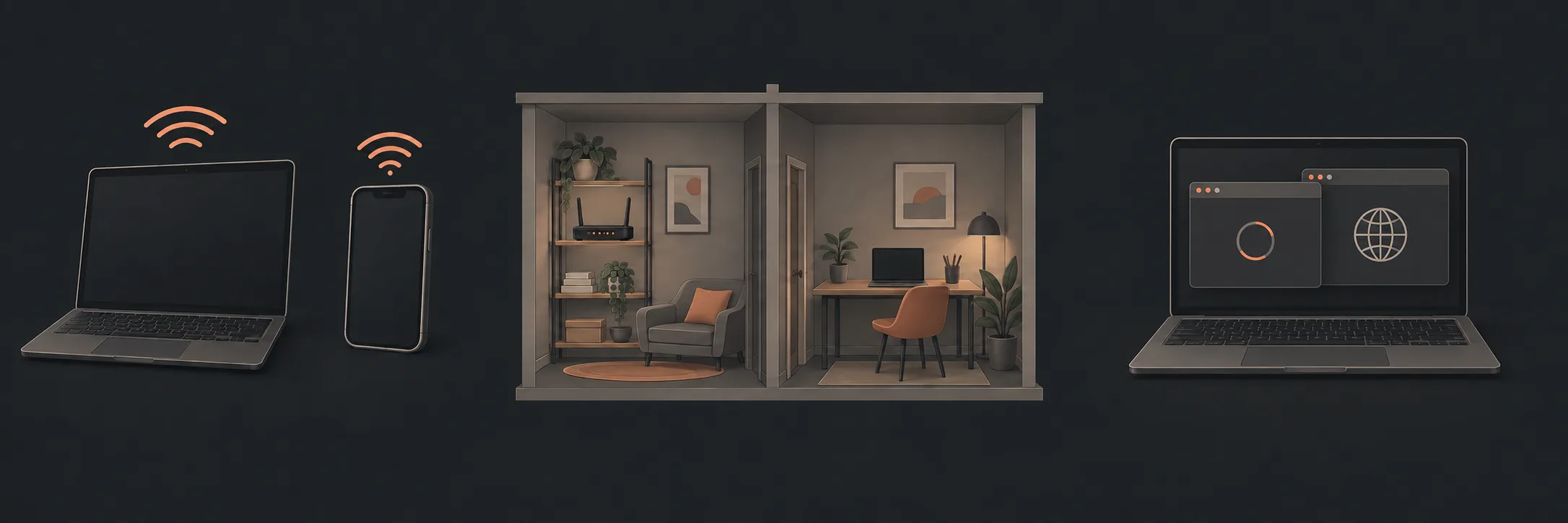
Start with the same connection and task
Choose two devices you are allowed to use. Leave another person's work, accounts and settings alone. Pick a familiar public website that does not need a sign-in, and try it on both devices at roughly the same time and in the same room.
Check that both devices show the intended home Wi-Fi connection. “My phone works” is not a comparison of home Wi-Fi if it is using mobile data. If you cannot tell which connection it used, record that uncertainty rather than treating the result as proof.
Microsoft includes trying another device on the same network in its troubleshooting guidance. It also distinguishes connection status from trouble with an individual app or website. Read Microsoft's Wi-Fi troubleshooting guidance.
On Windows 11: look before changing
Select the network, sound or battery area on the right of the taskbar. Look at whether Wi-Fi is on and whether your recognised home network shows as connected. Write down any different status you see. These checks follow Microsoft's connection-status instructions.
Record the result without overstating it
| What you observed | What to say next |
|---|---|
| One device worked and the other did not | “The problem affected this device during this comparison.” Note which task failed. |
| Both failed on the same website | Try another familiar public website before describing it as a general internet problem. |
| Both failed on more than one website | Record the connection messages and time, then discuss the shared symptom with your provider or technician. |
| Both worked when you checked | “I could not reproduce it.” Keep the original time and symptom; do not call the intermittent issue fixed. |
| You could not confirm the same network | Mark the comparison incomplete. You can still ask for help. |
Testing two devices does not establish what every device in the house is doing. Say “both devices I checked”, rather than “everything is broken”. Equally, a working second device does not prove that the first needs replacing. These results organise the next question; they do not identify a failed component.
Change one part of the comparison
If you have time, repeat the same simple task in the room where the problem normally occurs. Keep a note of which device, room and task you changed. Do not combine a new device, different app and different location and then assume you know which change mattered.
Here is a fictional example of a useful handoff:
That description leaves the cause open while giving the person helping you something concrete to investigate. Keep passwords, authentication codes and private documents out of any shared notes or screenshots.
Know when to hand it over
For a suspected service outage or problems across the devices you checked, contact your internet provider with the observations. If only a work-managed device is affected, follow your workplace's support process before changing its configuration. Avoid resetting equipment or disabling security protections to finish this exercise.
If local programs are slow too, use our computer or internet comparison guide to separate that symptom. For broader coverage and dropout questions, return to the Wi-Fi pillar.
What to read next
If you’d rather have local help, see our Wi-Fi dropout diagnosis.