One backup destination is a sensible starting point, but it may share the same room, account, power, internet connection or failure as the computer. This guide is for planning a more resilient arrangement. It does not promise that three destinations will recover every file, and it does not change the current one-computer backup setup service.
Start here
Choose the question you need to answer
The useful design question is not only “where can I put another copy?” It is “which failure should this copy remain able to withstand?”
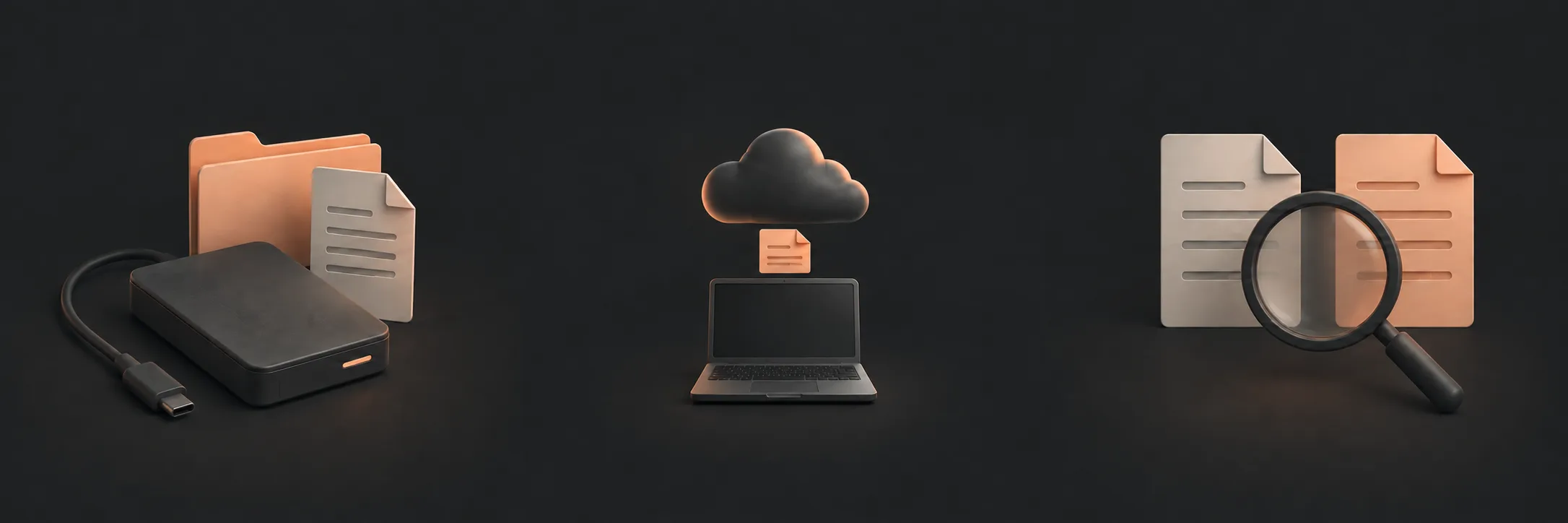 Count the copiesSeparate working data from backup copies, then write down what the proposed arrangement actually contains.Count your copies
Test independenceCompare locations, accounts, providers, connection status and deletion behaviour against realistic failures.Test independence
Plan recoveryRecord retention, key custody, restore steps and a realistic recovery-time expectation.Plan recovery
Count the copiesSeparate working data from backup copies, then write down what the proposed arrangement actually contains.Count your copies
Test independenceCompare locations, accounts, providers, connection status and deletion behaviour against realistic failures.Test independence
Plan recoveryRecord retention, key custody, restore steps and a realistic recovery-time expectation.Plan recovery
Count the copies
For the design described here, one onsite plus two offsite backup copies equals three backup copies. Add the working data on the computer and there are four copies in total. The working data is not one of the three backup copies.
For example, the working data may be on your computer, the onsite backup may be on an external drive at home, and two further backup copies may be held in separate locations or services. Those are examples, not recommendations. A synchronised folder is not automatically an independent backup: a deletion or damaged file may be synchronised to other locations. Check whether historical versions or restore points are retained.
You may also see the 3-2-1 rule described as at least three copies of data, on at least two storage types or media, with at least one copy offsite. It is a useful reminder, not a complete design. It does not tell you whether the copies share an account, provider, credential, deletion path, retention policy or recovery route. CISA's backup guidance explains that the three copies include the primary file and two backups.
Test independence against realistic failures
“Offsite” describes where a copy is kept. It does not prove that the copy is independent. Two cloud destinations may use the same recovery email; two drives may remain connected to the same computer; and a drive at another address may still depend on the same compromised account.
| Copy | Possible role | Questions to answer |
|---|---|---|
| Onsite backup | A convenient restore after an ordinary file or computer problem | Is it disconnected when not updating? Would it disappear with the computer in a fire or theft? |
| Offsite backup A | A copy available if the home is damaged or unavailable | Who controls the account? How far back can you restore? What happens during a provider outage? |
| Offsite backup B | Reduced dependence on one provider, location or failure mode | Can it be restored independently? Does it share credentials, software or deletion behaviour? |
Consider accidental deletion, theft or fire, provider outage, account compromise and a compromised computer. A separate strong credential and multi-factor authentication may help where supported, but an account boundary is only as independent as its recovery path. Keep encryption passwords and recovery keys in a controlled place separate from the computer and backup device. Do not put credentials or recovery codes in an article worksheet or beside the computer.
Plan retention and recovery
Retention is how far back older versions remain available. A recent deletion may need a recent version; an error found weeks later may need older history; and unnoticed corruption may require a restore point from before the problem. More history can use more storage and may cost more. Check the actual retention policy rather than treating “backup enabled” as a retention promise.
Write down which account controls each copy, where its encryption key is kept, how a restore begins, the last restore test and the expected recovery time. A small file from an onsite drive may restore quickly. Rebuilding a large computer from an offsite copy may depend on internet speed, service limits, data volume, key access, application installation and verification. These are planning expectations, not service guarantees.
Use a disposable file when testing, keep the original, restore to a separate name or location and record the source, version, destination and result. One successful sample shows that one route worked; it does not prove that every file, application or setting can be recovered.
What to read next
If you’d rather have local help, see our home-computer backup setup service.