There is no universal winner between an external drive and cloud storage. Compare the destination with the files you need to protect, the way you work and what you can reliably maintain. A destination is only useful if the right files reach it and you can safely retrieve them later.
Start here
Compare the real trade-offs
Use the questions below as a decision aid, not a product ranking. Examples are labelled examples, and provider features can change.
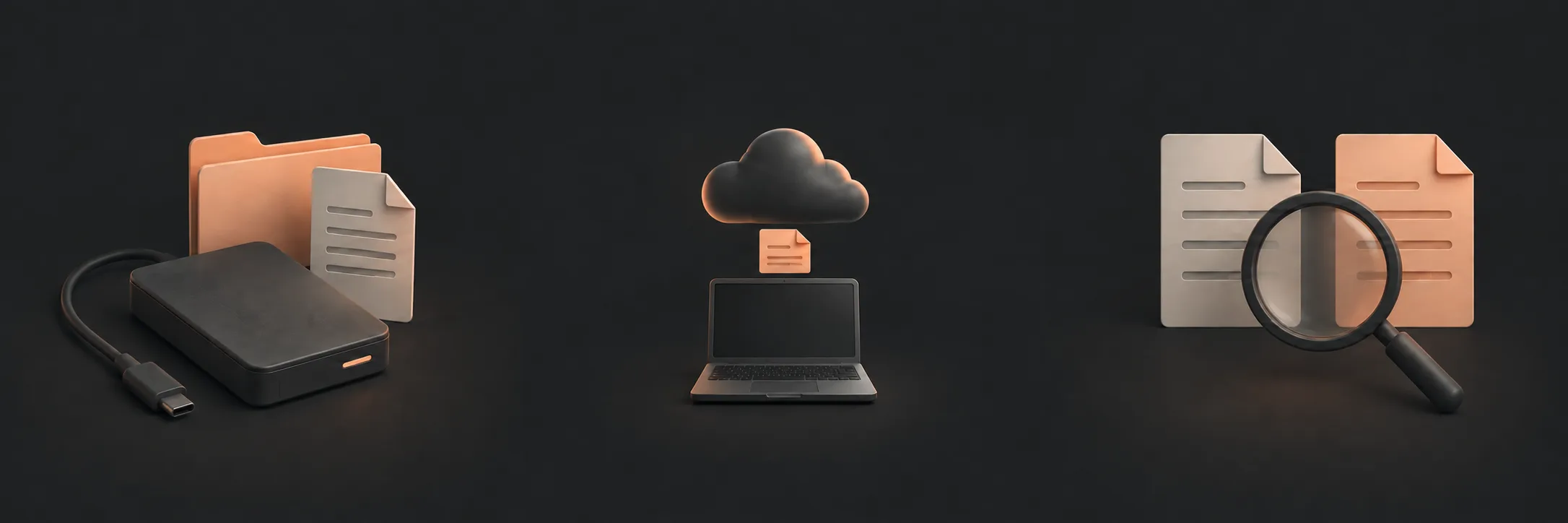 External storageConsider capacity, connection routine, local availability and whether you can disconnect and store the drive appropriately.Read this part
Cloud storageConsider internet access, account recovery, storage limits and whether synchronisation could be mistaken for independent backup.Read this part
Sample checkWhichever destination you choose, verify it with a disposable file and a separate restore.Read this part
External storageConsider capacity, connection routine, local availability and whether you can disconnect and store the drive appropriately.Read this part
Cloud storageConsider internet access, account recovery, storage limits and whether synchronisation could be mistaken for independent backup.Read this part
Sample checkWhichever destination you choose, verify it with a disposable file and a separate restore.Read this part
External drive: local and deliberate
Example: an external drive connected to the computer for a scheduled backup, then disconnected and stored safely. This can suit a large local file collection or a home with limited internet availability.
- Routine: you must connect the drive and allow the backup to complete.
- Capacity: available space and the way older versions are retained need checking.
- Availability: files may be quickly reachable when the drive is connected.
- Disconnected protection: separation can reduce exposure to some computer-side events, while forgetting to reconnect creates a gap.
A drive kept beside the computer can share the same theft, fire or spill. A local destination can also be lost, damaged or unavailable. It is not automatically safer simply because it is nearby.
Cloud: accessible but account-dependent
Example: selected folders copied or synchronised to a cloud account while the computer has internet access. This can suit someone who needs access away from home or does not want to manage a physical destination.
- Routine: check that uploads finish and that the correct folders are selected.
- Internet: online-only files may not be available during an outage or without a download.
- Account access: protect the account and keep the recovery path current without placing credentials in backup notes.
- Versions: confirm what history or deleted-file retention is available.
- Sync boundary: a synchronised deletion may travel to other locations, so sync is not automatically an independent backup.
For example, OneDrive can show online-only files and synchronise deletions. Ask whether a chosen cloud service retains a recoverable copy independently of changes on your computer. Version history and deleted-file retention have limits; neither should be assumed to last forever.
On a Mac, Apple distinguishes Time Machine, iCloud Drive and iCloud Photos. Seeing selected files in iCloud does not establish a complete Mac backup.
Make the choice operational
| Question | External drive | Cloud |
|---|---|---|
| Can the routine happen reliably? | Requires connection and a completed run. | Requires account, internet and completed upload. |
| Can older versions be used? | Check the backup system's history settings. | Check the provider's version and deletion retention. |
| Can files be reached offline? | Usually when the drive is connected. | Only if a local copy is available. |
Choose the option whose limitations you can manage. A cloud copy can separate files from a household incident, but account loss and provider problems still matter. A second independent destination can address some shared risks; it is a separate step beyond this one-destination starting plan. Then test one disposable file using the restore procedure. A test is more useful than an assumption about the label “backup”.
Check before you rely on it
Create a new plain-text sample with a known sentence, place it in an included local folder, wait for a completed backup and restore a separate copy. Do not test by deleting an original or changing an important folder.
If the destination, version or restore path is unclear, stop and consult the current instructions for that system. Record what worked, when it worked and where the restored copy landed.
What to read next
If you’d rather have local help, see our home-computer backup setup service.